background
Convert Word to PDF Online for Free

Convert Word to PDF Online for Free

Turn a Word document into a PDF in seconds with Foxit's free online converter. No software to install, no account required, and your formatting, fonts, and layout carry over exactly.

Give Feedback on This Tool

Drag Word file here (max 15MB)

or

Your files will be securely handled by Foxit cloud servers.

By using this service, you agree Foxit's Terms of Service and Privacy Policy.
Rate this tool
star 1star 2star 3star 4star 5
star 1 activestar 2 activestar 3 activestar 4 activestar 5 active
0/5 - 0 votes

How to Convert Word to PDF Online

logo
DOC
PDF
1
Drag and drop your Word document (.doc or .docx) onto Foxit's online Word to PDF converter.
2
Click "Start Conversion" and Foxit converts your Word document into a PDF automatically.
3
Click "Download Your File" to save the converted PDF file to your computer.

What Makes Foxit the Best Online Word to PDF Converter

Convert Word to PDF Files Free

Convert Word to PDF Files Free

Convert Word to PDF in seconds with Foxit's free online converter. Drag and drop your Word document, convert, and download your PDF.

Fast, Accurate DOC to PDF Conversion

Fast, Accurate DOC to PDF Conversion

Foxit converts DOC and DOCX files into PDF in seconds, keeping your original formatting, hyperlinks, and layout intact.

Safe and Secure Conversion

Safe and Secure Conversion

After conversion, Foxit deletes both your original Word document and the converted PDF, so your information stays private.

Convert Word to PDF for Free on Your Desktop for 14 days.

High Quality Word Doc to PDF Converter + MORE
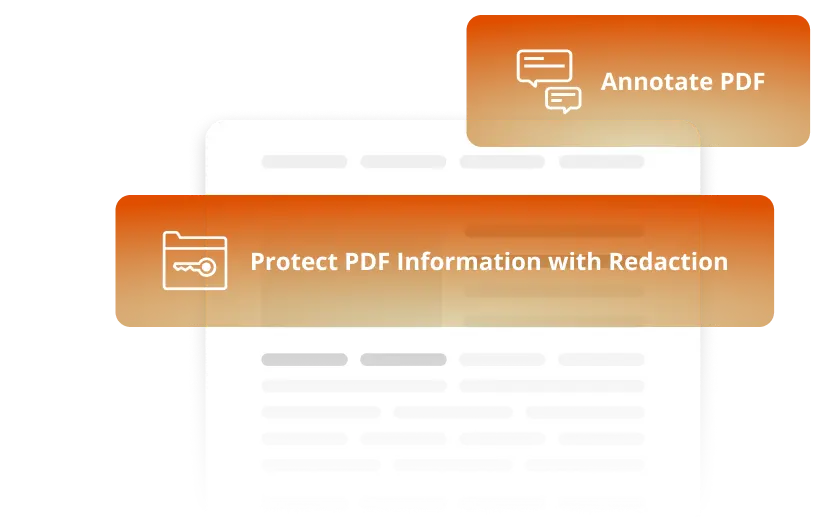
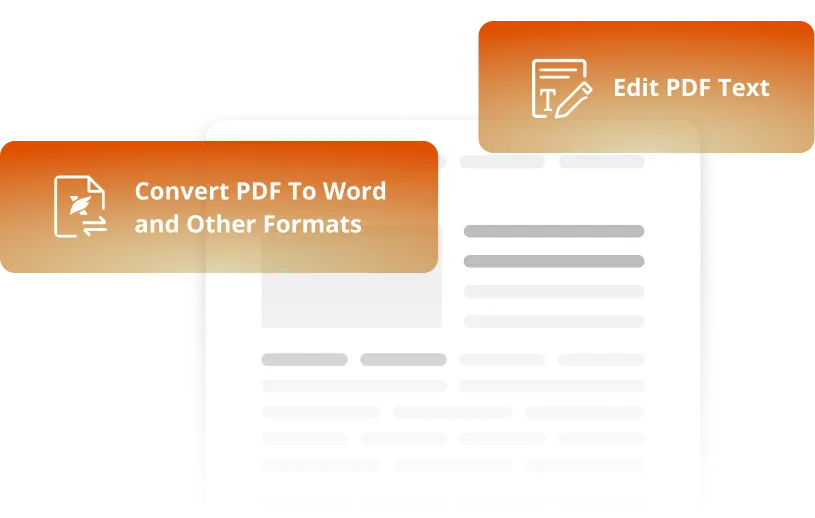
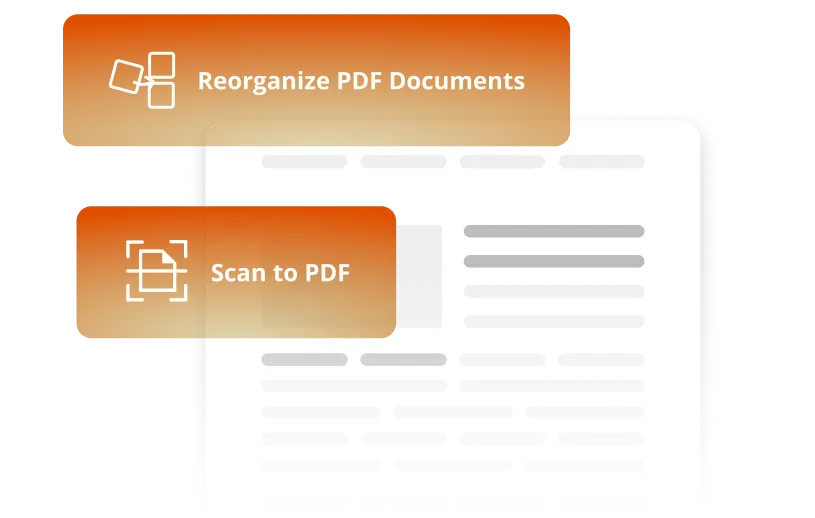
Foxit PDF Editor edit and convert features

Top Use Cases for our Word to PDF Converter

Converting Word contracts to PDF preserves formatting, protects content, and prevents unauthorized changes.
Legal and operations teams use Foxit's Word to PDF tools to finalize agreements with confidence:
  • Maintains exact wording, layout, and legal structure
  • Locks the document as a secure, fixed-layout PDF that resists casual editing
  • Supports eSignatures and permission controls
  • Ensures consistent formatting across clients, vendors, and internal teams
Perfect for NDAs, vendor agreements, SOWs, and policy documents.
Foxit's Word to PDF converter keeps your proposals looking professional and displaying correctly on any device.
When you convert a Word document to PDF:
  • Logos, fonts, tables, and images appear exactly as designed
  • No shifting layouts or broken formatting
  • Easy to share by email or use in presentations
  • Produces a polished, client-ready PDF every time
Ideal for sales teams, consultants, and agencies preparing polished proposals.
Converting Word-based training materials into standardized PDFs keeps company-wide distribution consistent.
Foxit helps HR and compliance teams:
  • Preserve formatting, branding, and approved content
  • Eliminate version control issues
  • Ensure every employee receives the correct version
  • Simplify storage, onboarding, and compliance updates
This makes distributing manuals, SOPs, and policy updates more efficient and reliable.
Turning Word documents into secure, finalized PDFs keeps collaboration structured and consistent.
With Foxit's Word to PDF software, teams can:
  • Share a fixed-layout, final version to avoid accidental changes
  • Add comments, annotations, and highlights without altering content
  • Prevent version mismatches during review
  • Integrate seamlessly with Microsoft Teams, Google Workspace, and other collaboration tools
Perfect for workflows involving multiple reviewers across departments.

Frequently Asked Questions on our Word to PDF Converter

Foxit's converter takes a Word document and outputs a PDF version of it: same content, same look, just a different file type. Upload, convert, wait a few seconds, and it's done. Nothing to install, no account needed.
The online tool works on Windows, Mac, Linux, ChromeOS, iOS, or Android in any modern browser, nothing to install. For an offline desktop option with bulk conversion, OCR, and stronger document security, Foxit PDF Editor covers that instead.
The online tool converts only one file at a time. To convert multiple Word documents to PDF at once, use the desktop version of Foxit PDF Editor.
Yes to both. The online converter is free, with no account required, and both your Word file and the resulting PDF are cleared from Foxit's servers once conversion finishes, nothing lingers, nothing feeds into model training. Foxit's Trust Center has the full details. Foxit PDF Editor's trial adds batch conversion and offline access if you need those later.
Yes. Fonts, spacing, images, and layout carry over from the original Word document, so the PDF matches it closely, without shifted text or missing design elements.
Check out all our free PDF converter tools for the complete list, but this converter alone handles DOC and DOCX files, turning each into a polished PDF.
This converter only handles the Word-to-PDF step. Once you have the PDF, Foxit PDF Editor is where you'd go to add text, comments, or a signature.
That's the reverse direction, and it's not what this page is built for. Foxit's PDF to Word converter handles it, keeping the same formatting and layout intact going the other way.
All four convert Word to PDF for free in the browser, so the real differences show up afterward. Foxit adds encrypted, auto-deleted file handling by default and a lower-cost path to batch conversion, OCR, and full editing through Foxit PDF Editor. See the full comparison on our Adobe Acrobat alternative page.

Trusted by Professionals Worldwide

AmazonKindleLogo
DellLogo
IntelLogo
GoogleLogo
LenovoLogo
JPMorganChaseLogo
VoithLogo
MicrosoftLogo
NasdaqLogo
HiltonLogo
OneGasLogo
MieleLogo
CanadaWordmarkLogo
AmazonKindleLogo
DellLogo
IntelLogo
GoogleLogo
LenovoLogo
JPMorganChaseLogo
VoithLogo
MicrosoftLogo
NasdaqLogo
HiltonLogo
OneGasLogo
MieleLogo
CanadaWordmarkLogo

See How Foxit Stacks Up

Redefining your PDF experience with speed and innovation.

"ESIGN Functionality Outperforms Other Products"
IT Manager in the IT Services Industry
Gartner® and Peer Insights ™ are trademarks of Gartner, Inc. and/or its affiliates. All rights reserved. Gartner Peer Insights content consists of the opinions of individual end users based on their own experiences, and should not be construed as statements of fact, nor do they represent the views of Gartner or its affiliates. Gartner does not endorse any vendor, product or service depicted in this content nor makes any warranties, expressed or implied, with respect to this content, about its accuracy or completeness, including any warranties of merchantability or fitness for a particular purpose