Drag PDF file here (max 250MB)
or
Your files will be securely handled by Foxit cloud servers.
By using this service, you agree Foxit's Terms of Service and Privacy Policy.
Rate this tool


0/5 - 0 votes
How to Reduce a PDF File Size Online
1
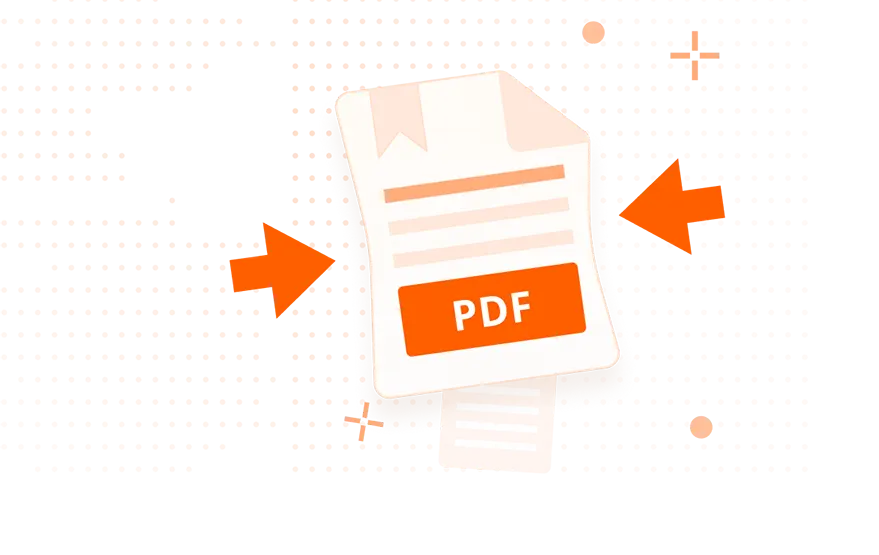
Drag and drop your PDF file onto our online PDF compressor.
2
Click 'Start Compression', Foxit's service will compress your PDF file, then wait for the compression to complete.
3
Click 'Download Your File' to save the compressed PDF to your computer.
What Makes Foxit the Best Online PDF Compressor
Reduce PDF file size online
A quick and easy way to compress PDF files with Foxit PDF compression tool. Just add files, click compress, then download your compressed PDF file.
Fast PDF compression
Compress PDF files online to support your workflows. To reduce large file size with Foxit PDF compression tool, and it's a simple way to organize your files.
Safe and Secure
After compressing the file, Foxit PDF compressor deletes both the original and merged files, so your information is safe.
Compress PDF for Free on Your Desktop for 14 days.
High-Quality PDF Compressor + MORE
Top Use Cases for our PDF Compressor
Storing large PDF files across shared drives and cloud systems can become expensive fast. With Foxit’s online PDF compression tool, you can compress PDF files to significantly smaller sizes, without losing readability or visual quality.
Why businesses use Foxit to compress PDF files:
- Cut storage costs by shrinking large PDF archives
- Keep more files within existing cloud storage plans
- Speed up system backups and reduce server strain
- Improve document organization across teams
Whether your teams manage thousands of contracts, HR files, or operational reports, Foxit optimizes document storage and reduces your organization’s storage spend.
Many industries must keep documents for years—sometimes decades. This makes file size a major challenge. Foxit’s PDF compression ensures you can compress online PDF files for long-term retention while keeping every detail accurate and compliant.
Perfect for regulated industries:
- Compress PDF archives without losing important text or graphics
- Maintain compliance for contracts, financial records, and legal files
- Reduce the cost of multi-year or multi-department archives
- Improve compatibility with document management systems
With smaller files that remain crystal-clear, Foxit makes regulatory archiving more efficient and much easier to maintain.
Sending oversized PDFs can slow down workflows. Large documents clog email attachments, upload slowly to cloud platforms, and frustrate recipients—especially mobile users. Foxit’s Compress PDF tool fixes this instantly.
Great for everyday business communication:
- Compress PDFs for faster emailing and sharing
- Avoid attachment size limits
- Speed up uploads to SharePoint, OneDrive, Google Drive, and Microsoft Teams
- Ensure documents open quickly on mobile devices
Whether you're sending brochures, proposals, or training materials, Foxit helps you deliver smaller, faster, cleaner PDFs that keep your teams and clients moving.
Organizations that handle thousands of PDFs rely on efficient automation. Foxit’s online PDF compression fits directly into high-volume workflows, making it easy to process large batches of documents without slowing operations.
Benefits for automation-heavy teams:
- Compress PDFs automatically within existing workflows
- Speed up tasks with batch processing and large file transfers
- Move high-volume data through pipelines without bottlenecks
- Pair compression with encryption and redaction for secure automation
From finance and healthcare to insurance, government, and legal operations, Foxit helps data-heavy organizations work faster, safer, and more efficiently.
Frequently Asked Questions on our PDF Compressor
Foxit’s online PDF compressor works on all devices and operating systems, including Windows, macOS, Linux, iOS, ChromeOS, and Android—anything with a browser.
You only need a browser, an internet connection, and a PDF file up to 50MB. No installation or account is required.
Yes. Download Foxit PDF Editor to access offline compression, batch tools, advanced optimization settings, and enterprise-level PDF management.
Foxit’s free Compress PDF tool reduces the size of large PDF files while keeping text, images, and formatting clear. Simply upload your document, choose your compression level, and Foxit will shrink the file using advanced optimization, making it easier to store, share, and upload.
The online PDF compression tool accepts PDF files only, up to 50MB per upload. If you need to compress Word, Excel, PowerPoint, or image files before converting them to PDF, Foxit PDF Editor (desktop) provides full multi-format compression options.
Absolutely. Your files are encrypted during processing and automatically deleted from Foxit’s servers after conversion. No documents are stored, logged, or used for training, ensuring privacy for legal, financial, and confidential PDFs.
The online tool compresses one PDF at a time. For batch compression, download Foxit PDF Editor, which supports bulk operations, automation workflows, and advanced compression profiles for enterprise teams.
Yes. Foxit uses intelligent compression that reduces file size without removing essential elements. Text clarity, layout, tables, vector graphics, and embedded images remain readable and intact.
Yes. Foxit offers free online PDF compression. For unlimited use, higher compression quality, and batch tools, Foxit PDF Editor includes a full-featured, 14-day free trial.
Yes. Foxit uses OCR-friendly compression, optimizing scanned PDFs and documents with large graphics. The tool reduces file size while keeping scanned text readable.
Yes. After you compress your PDF online, you can open it in Foxit PDF Editor to edit, sign, annotate, redact, or optimize further if needed.
Try the Best Free PDF Converter Online Tools
Trusted by Professionals Worldwide
See How Foxit Stacks Up
Redefining your PDF experience with speed and innovation.
Gartner® and Peer Insights ™ are trademarks of Gartner, Inc. and/or its affiliates. All rights reserved. Gartner Peer Insights content consists of the opinions of individual end users based on their own experiences, and should not be construed as statements of fact, nor do they represent the views of Gartner or its affiliates. Gartner does not endorse any vendor, product or service depicted in this content nor makes any warranties, expressed or implied, with respect to this content, about its accuracy or completeness, including any warranties of merchantability or fitness for a particular purpose